Game · Indie Souls Studio
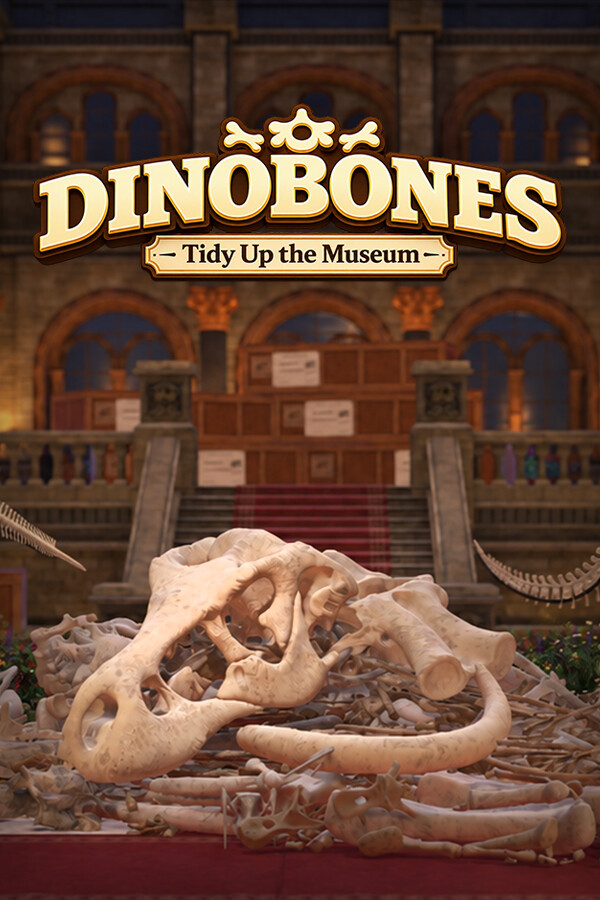
DinoBones: Tidy Up the Museum
- Steam Deck Verified
DinoBones: Tidy Up the Museum! is a cozy skeleton restoration sim. Identify, collect, and piece together around 2,000 scattered dinosaur bones.
Before you buy
- Redeem on
- Steam clientPC: Windows, macOS, Linux. Needs a free Steam account.
- Activates in
- Europe and UK. Activates on accounts registered in 32 countries: Austria, Belgium, Bulgaria, Croatia, Cyprus, Czechia, Denmark, Estonia, Finland, France, Germany, Greece, Hungary, Iceland, Ireland, Italy, Latvia, Liechtenstein, Lithuania, Luxembourg, Malta, Netherlands, Norway, Poland, Portugal, Romania, Slovakia, Slovenia, Spain, Sweden, Switzerland, United Kingdom.Activates on accounts registered in the EU, EEA, Switzerland and the United Kingdom.Will not activate on accounts registered in North America, Asia, Latin America or Oceania.
- You get
- A digital activation keyStandard edition. No disc, no box.
- Delivery
- To your account and by emailDelivered to your account and by email once it is ready. Some orders get a short manual check first.
Trailers and screenshots
About this game
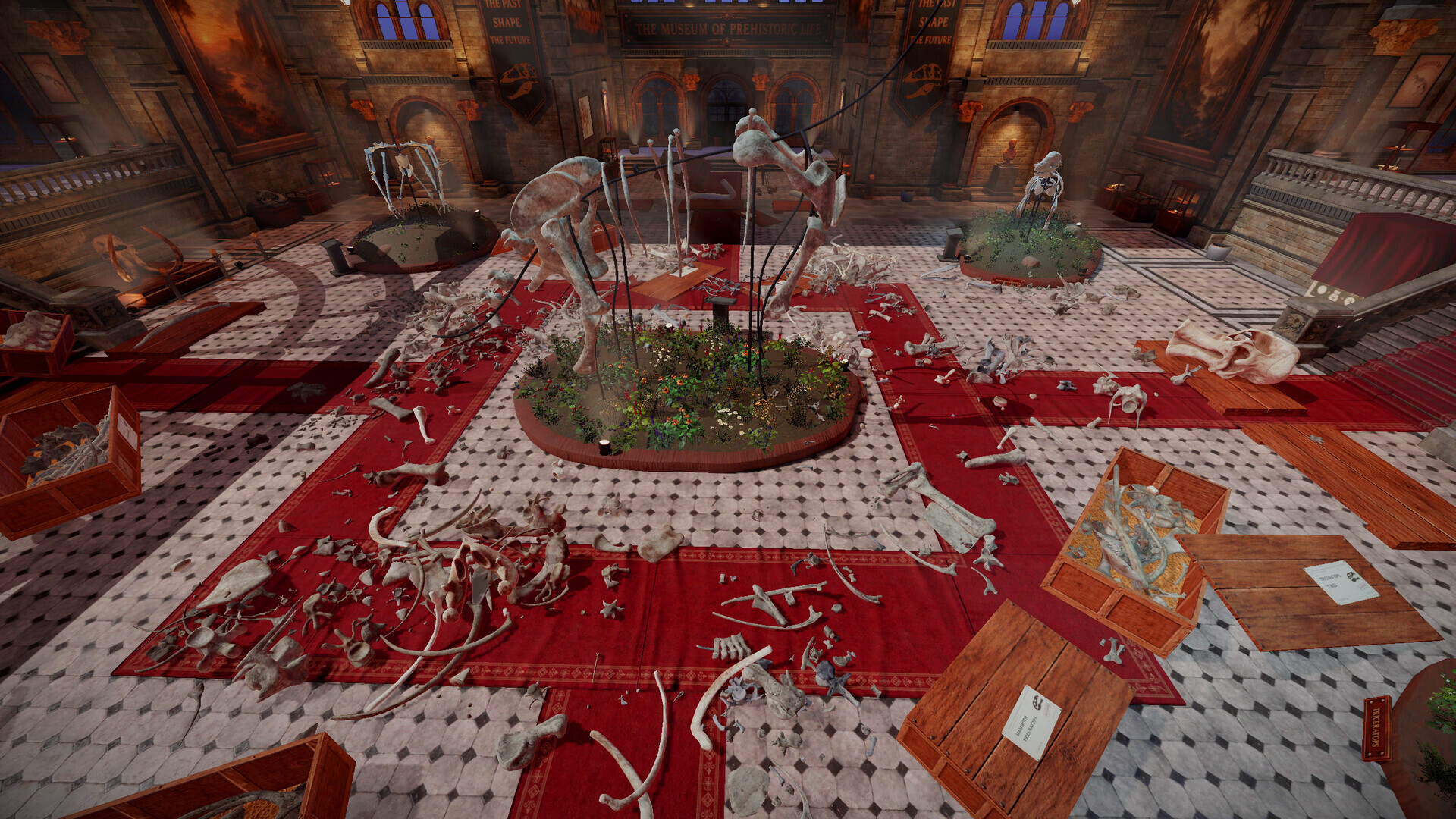
Museum messed up! Something happened here. Crates are tipped over, and skulls, ribs, and vertebrae lie scattered across the halls. You're the only one around to put nine skeletons back together. Well, you and a cat.
TURN CHAOS INTO ORDER
Collect - Pick up bones from the floor, the stairs, and wherever the crates spilled them
Identify - Every bone starts as “Unknown”. Figure out which skeleton it belongs to
Assemble - Find the right slot and click it into place, one bone at a time
MAKE A MESS, LEARN THE BONES
Open crates, tip them over, or just throw them, and start rebuilding. Each dinosaur's bones have their own look, color, texture, wear, and the more you place them, the faster you recognize them. No skill trees, no upgrades. Just you getting better.
WAKE UP THE MUSEUM
As skeletons come together, you'll trigger special events around the museum. Each one leaves something behind: little rewards, toys, and surprises that make the place feel like yours.
Description, images and details are taken from this product's Steam page.
Details
- Developer
- Indie Souls Studio
- Publisher
- Indie Souls Studio
- Released
- 25 Sep, 2026
- Genres
- Simulation, Puzzle, Indie, Casual
- Runs on
- Windows, macOS, Linux
- Activates on
- Steam client, Europe and UK
- Interface
- English, French, Italian, German, Spanish - Spain, Japanese, Korean, Portuguese - Brazil, Turkish, Russian, Simplified Chinese
- Controller
- Full controller support
- Single-player
- Steam Achievements
- Full controller support
- Adjustable Text Size
- Custom Volume Controls
- #category_playable_at_your_own_pace
- Playable without Timed Input
- DualShock Controller Support
- DualShock Controller Support
- DualSense Controller Support
- DualSense Controller Support
- Stereo Sound
- Surround Sound
- Steam Cloud
- Family Sharing
System requirements
Windows
| Component | Minimum | Recommended |
|---|---|---|
| OS | 64-bit Windows 10 | 64-bit Windows 11 |
| Processor | Intel Core i7-4790K / AMD Ryzen 5 1500X | Intel Core i7-8700 / AMD Ryzen 5 3600 |
| Memory | 8 GB RAM | 16 GB RAM |
| Graphics | NVIDIA GeForce GTX 980 Ti 6 GB / AMD Radeon RX 6500 XT | NVIDIA GeForce GTX 1080 / AMD Radeon RX 5700 XT |
| DirectX | Version 11 | Version 11 |
| Storage | 4 GB available space | 4 GB available space |
macOS
- Requires an Apple processor
| Component | Minimum | Recommended |
|---|---|---|
| OS | macOS 12 Monterey (Apple Silicon) | macOS 14 Sonoma or newer |
| Processor | Apple M1 | Apple M1 Pro or newer |
| Memory | 8 GB RAM | 16 GB RAM |
| Graphics | Apple M1 | Apple M1 Pro or newer |
| Storage | 4 GB available space | 4 GB available space |
| Additional Notes | Apple Silicon (M1 or newer) only. Intel-based Macs are not supported. |
Linux / SteamOS
| Component | Minimum | Recommended |
|---|---|---|
| OS | Ubuntu 20.04 64-bit or SteamOS 3 | Ubuntu 22.04 64-bit or SteamOS 3 |
| Processor | Intel Core i7-4790K / AMD Ryzen 5 1500X | Intel Core i7-8700 / AMD Ryzen 5 3600 |
| Memory | 8 GB RAM | 16 GB RAM |
| Graphics | NVIDIA GeForce GTX 980 Ti 6 GB / AMD Radeon RX 6500 XT (Vulkan) | NVIDIA GeForce GTX 1080 / AMD Radeon RX 5700 XT (Vulkan) |
| Storage | 4 GB available space | 4 GB available space |
| Additional Notes | Vulkan required. |
Activating it on Steam client
- Open the Steam client and sign in.
- Choose Games in the top menu, then Activate a Product on Steam.
- Paste the key and confirm. It appears in your library.
The key is listed for the Europe and UK. Activates on accounts registered in 32 countries: Austria, Belgium, Bulgaria, Croatia, Cyprus, Czechia, Denmark, Estonia, Finland, France, Germany, Greece, Hungary, Iceland, Ireland, Italy, Latvia, Liechtenstein, Lithuania, Luxembourg, Malta, Netherlands, Norway, Poland, Portugal, Romania, Slovakia, Slovenia, Spain, Sweden, Switzerland, United Kingdom. region. Read how regions work before you buy.