Game · Team17
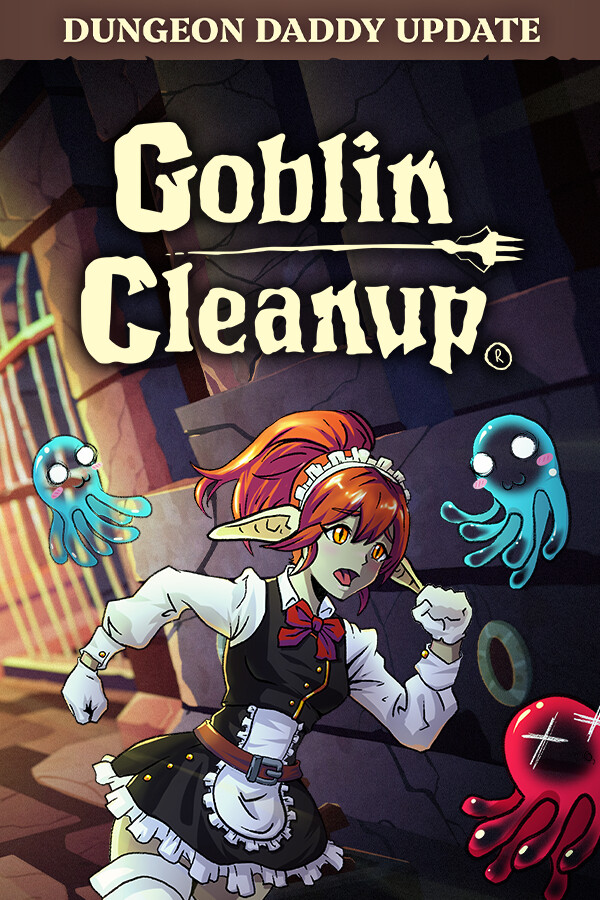
Goblin Cleanup
- Co-op
A co-op cleaning game where you have to clean and rearrange a dungeon before the next adventurers come to complete it again.
Before you buy
- Redeem on
- Steam clientPC: Windows. Needs a free Steam account.
- Activates in
- Europe and UK. Activates on accounts registered in 32 countries: Austria, Belgium, Bulgaria, Croatia, Cyprus, Czechia, Denmark, Estonia, Finland, France, Germany, Greece, Hungary, Iceland, Ireland, Italy, Latvia, Liechtenstein, Lithuania, Luxembourg, Malta, Netherlands, Norway, Poland, Portugal, Romania, Slovakia, Slovenia, Spain, Sweden, Switzerland, United Kingdom.Activates on accounts registered in the EU, EEA, Switzerland and the United Kingdom.Will not activate on accounts registered in North America, Asia, Latin America or Oceania.
- You get
- A digital activation keyStandard edition. No disc, no box.
- Delivery
- To your account and by emailDelivered to your account and by email once it is ready. Some orders get a short manual check first.
Trailers and screenshots
About this game
Have you ever wondered what happens after completing a dungeon, how it is restarted or, better yet, who is in charge of doing it? In Goblin Cleanup, you assume the role of a professional cleaner hired by the dungeon manager to clean and prepare the dungeon for the next adventure. You can perform this task alone or with up to three companions, cooperatively or maybe not so cooperatively!
Be careful because the dungeons are dark and full of terrors, although as a professional cleaner this is not a problem, just don't step on a trap, and keep the monsters fed, you don't want them to eat you, or any of your friends.
You can clean the dungeons with three more employees, just watch what they do, because if they die you will have to clean their pieces and blood, the heroes already leave everything very dirty to make things worse.
Clean the dungeons in cooperative games for 4 players online.
Key Features
Goblin Maid: What better way to clean up than doing it like a pro? Play as a goblin alongside other goblins.
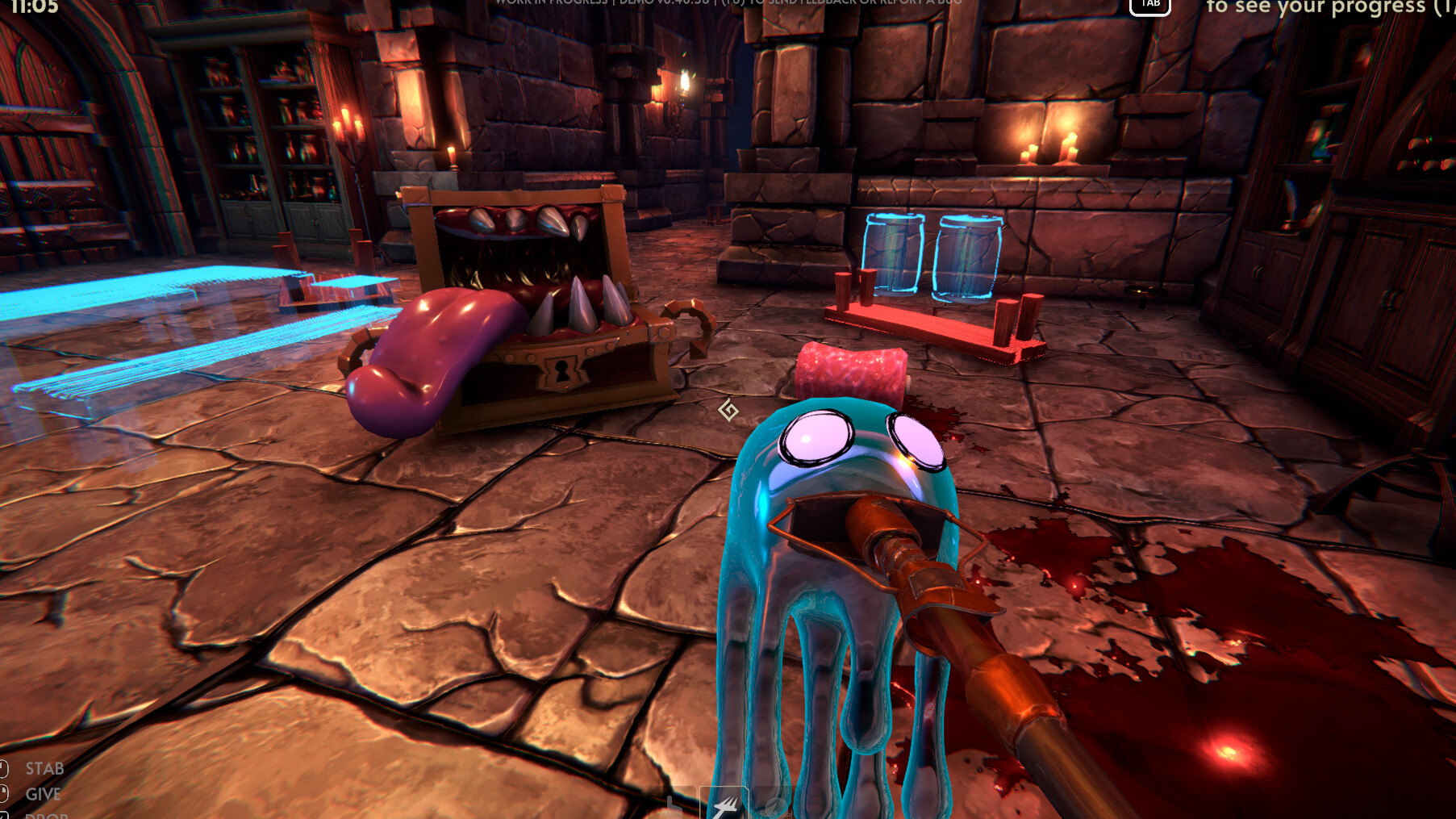
Clean: It's your job to clean up the mess, so clean it up you shall! Use your Slimop, mimic, and slime dispenser tool to help you remove all that blood from the floor and ceiling!
Restore Objects: To ensure the dungeon returns to its original state, you must restore objects and place them back in their original positions.
Restore Traps: What kind of dungeon would it be without traps? You'll need to restore and reactivate them. Be cautious; there might be traps that weren't triggered by adventurers and are still active.
Creatures: You'll also need to respawn creatures and dispose of their remains. Additionally, some creatures might not have perished.
Loot: You'll also need to refill chests with items.
Dynamic Dungeons: Each dungeon is filled with unique challenges...and hazards!
Description, images and details are taken from this product's Steam page.
Details
- Developer
- Crisalu Games
- Publisher
- Team17
- Released
- 18 Sep, 2025
- Genres
- Adventure, Simulation, Multiplayer/MMO, Indie, Casual
- Runs on
- Windows
- Activates on
- Steam client, Europe and UK
- Interface
- English, Spanish - Latin America, German, Spanish - Spain, Simplified Chinese, French, Dutch, Korean, Polish, Russian, Traditional Chinese, Portuguese - Brazil, Japanese
- Controller
- Full controller support
- Single-player
- Multi-player
- Co-op
- Online Co-op
- Steam Achievements
- Full controller support
- DualShock Controller Support
- DualShock Controller Support
- DualSense Controller Support
- DualSense Controller Support
- Steam Cloud
- Family Sharing
Game includes frequent pools of blood and cartoonish dismemberment into meat chunks.
System requirements
Windows
| Component | Minimum | Recommended |
|---|---|---|
| OS | Windows 10 | Windows 10 |
| Processor | Intel Core i5-2300 | AMD FX-4350 | Intel Core i5-8400 | AMD Ryzen 5 |
| Memory | 6 GB RAM | 8 GB RAM |
| Graphics | Nvidia GeForce GTX 660, 2 GB | AMD Radeon HD 7870, 2 GB | Nvidia GeForce GTX 1060 | AMD Radeon RX 580 |
| DirectX | Version 11 | Version 11 |
| Network | Broadband Internet connection | Broadband Internet connection |
| Storage | 8 GB available space | 8 GB available space |
Activating it on Steam client
- Open the Steam client and sign in.
- Choose Games in the top menu, then Activate a Product on Steam.
- Paste the key and confirm. It appears in your library.
The key is listed for the Europe and UK. Activates on accounts registered in 32 countries: Austria, Belgium, Bulgaria, Croatia, Cyprus, Czechia, Denmark, Estonia, Finland, France, Germany, Greece, Hungary, Iceland, Ireland, Italy, Latvia, Liechtenstein, Lithuania, Luxembourg, Malta, Netherlands, Norway, Poland, Portugal, Romania, Slovakia, Slovenia, Spain, Sweden, Switzerland, United Kingdom. region. Read how regions work before you buy.