Game · Riwon
Sort of Magic
- Co-op
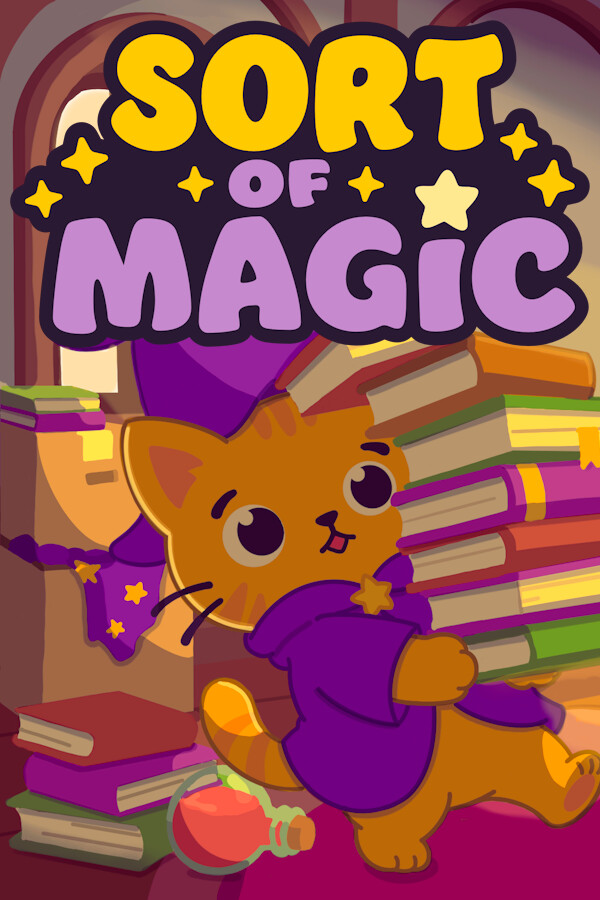
A cozy organizing game for 1–4 players in online co-op. You're a little magical cat who knocked over an entire magic school. Now put all 4,500 books, potions, and brooms back exactly where they belong.
Before you buy
- Redeem on
- Steam clientPC: Windows. Needs a free Steam account.
- Activates in
- Europe and UK. Activates on accounts registered in 32 countries: Austria, Belgium, Bulgaria, Croatia, Cyprus, Czechia, Denmark, Estonia, Finland, France, Germany, Greece, Hungary, Iceland, Ireland, Italy, Latvia, Liechtenstein, Lithuania, Luxembourg, Malta, Netherlands, Norway, Poland, Portugal, Romania, Slovakia, Slovenia, Spain, Sweden, Switzerland, United Kingdom.Activates on accounts registered in the EU, EEA, Switzerland and the United Kingdom.Will not activate on accounts registered in North America, Asia, Latin America or Oceania.
- You get
- A digital activation keyStandard edition. No disc, no box.
- Delivery
- To your account and by emailDelivered to your account and by email once it is ready. Some orders get a short manual check first.
Trailers and screenshots
About this game
【 A Tiny Cat. A Huge Mess. 】
One borrowed wand. One very wrong spell.
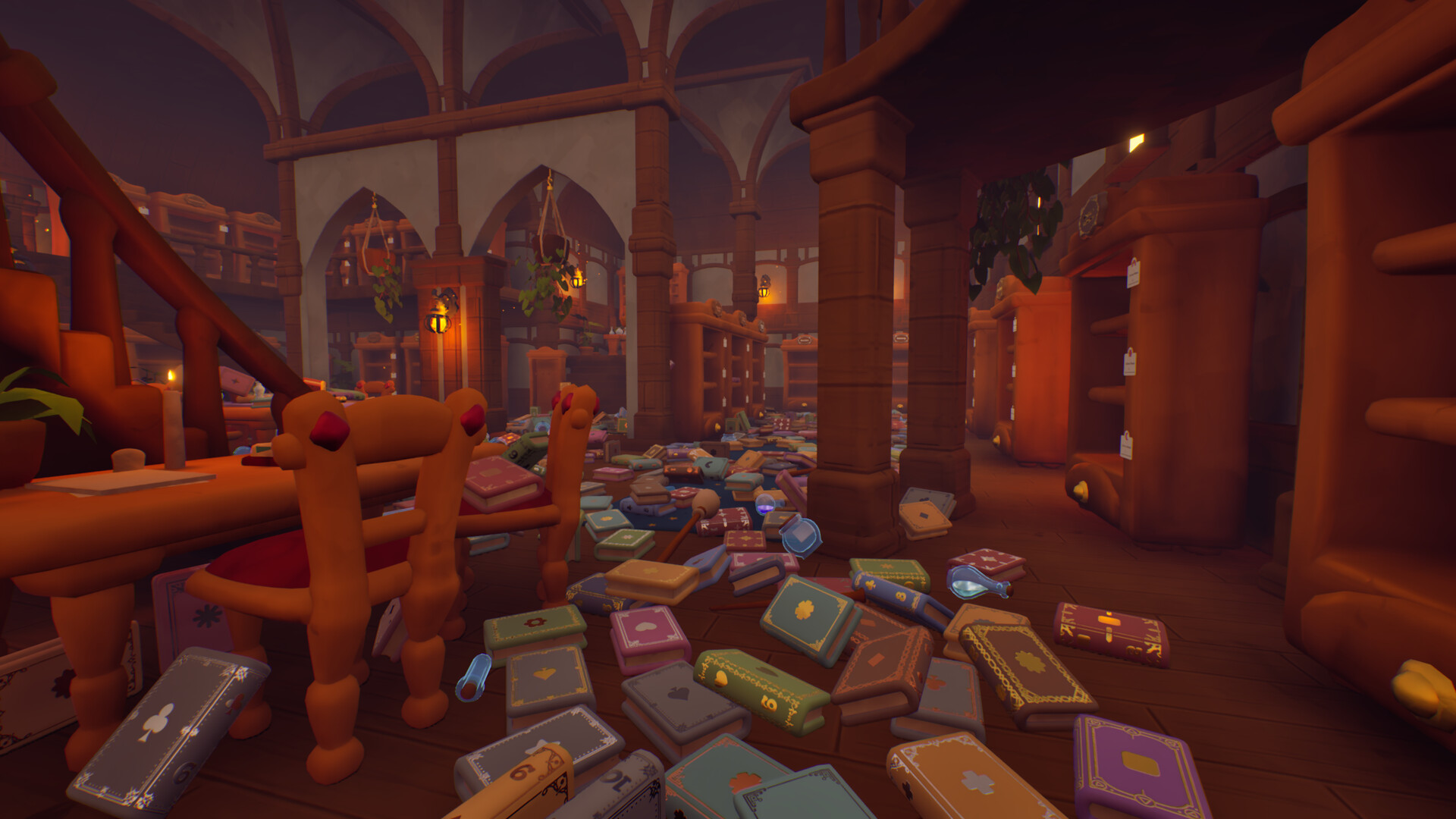
Now every book, potion, broom, and magical ingredient in the school is scattered across the floor.
Play as a tiny cat and restore the magic school by putting everything back where it belongs.
Play solo or online with up to 3 friends.
【 Sort Everything 】
Every object has a home.
Rebuild book series.
Sort colorful potions.
Match magical ingredients.
Return brooms to their racks.
Find magical wands hidden throughout the school.
Over 4,500 handcrafted objects are waiting to be organized.
【 Unlock Magical Spells 】
Spells grant helpful abilities that make cleaning faster.
Insight – Reveal matching items on ground.
Assemble – Summon matching items.
Homing Sense – Reveal where an item belongs.
Auto Shelving – Place everything you're carrying at once.
Choose the spell that fits your playstyle.
【 Restore the School 】
Explore six handcrafted rooms, each introducing new objects and fresh sorting challenges.
As you clean, the school slowly returns to normal.
【 A Cozy Cleanup 】
No timers.
No combat.
No fail states.
Just satisfying organization, magical discoveries, and a cozy adventure for 1–4 players.
【 Features 】
Solo or online co-op for 1–4 players
Unlock magical spells
Sort over 4,500 handcrafted objects
Restore six unique rooms
Relaxing gameplay with no pressure
Description, images and details are taken from this product's Steam page.
Details
- Developer
- Riwon
- Publisher
- Riwon
- Released
- 8 Oct, 2026
- Genres
- Simulation, Puzzle, Multiplayer/MMO, Casual
- Runs on
- Windows
- Activates on
- Steam client, Europe and UK
- Interface
- English, French, German, Spanish - Spain, Portuguese - Brazil, Simplified Chinese, Japanese, Korean, Portuguese - Portugal, Russian, Spanish - Latin America
- Full audio
- English, French, German, Spanish - Spain, Portuguese - Brazil, Simplified Chinese, Japanese, Korean, Portuguese - Portugal, Russian, Spanish - Latin America
- Controller
- Full controller support
- Single-player
- Multi-player
- Co-op
- Online Co-op
- Full controller support
- Camera Comfort
- Custom Volume Controls
- #category_playable_at_your_own_pace
- Playable without Timed Input
- DualShock Controller Support
- DualShock Controller Support
- DualSense Controller Support
- DualSense Controller Support
- Save Anytime
- Steam Input API Support
- Stereo Sound
- Surround Sound
- Steam Cloud
- Family Sharing
System requirements
Windows
- Requires a 64-bit processor and operating system
| Component | Minimum | Recommended |
|---|---|---|
| OS | Windows 10 64-bit | Windows 11 64-bit |
| Processor | Intel Core i5-8400 / AMD Ryzen 5 2600 | Intel Core i5-10400 / AMD Ryzen 5 3600 |
| Memory | 8192 MB RAM | 16384 MB RAM |
| Graphics | NVIDIA GeForce GTX 1060 6GB / AMD Radeon RX 580 | NVIDIA GeForce RTX 2060 / AMD Radeon RX 5700 |
| DirectX | Version 12 | Version 12 |
| Storage | 6144 MB available space | |
| Additional Notes | Online co-op requires an internet connection. |
Activating it on Steam client
- Open the Steam client and sign in.
- Choose Games in the top menu, then Activate a Product on Steam.
- Paste the key and confirm. It appears in your library.
The key is listed for the Europe and UK. Activates on accounts registered in 32 countries: Austria, Belgium, Bulgaria, Croatia, Cyprus, Czechia, Denmark, Estonia, Finland, France, Germany, Greece, Hungary, Iceland, Ireland, Italy, Latvia, Liechtenstein, Lithuania, Luxembourg, Malta, Netherlands, Norway, Poland, Portugal, Romania, Slovakia, Slovenia, Spain, Sweden, Switzerland, United Kingdom. region. Read how regions work before you buy.